
PBN.LTD Hosting app for Android
Your hosting account on your phone, with alerts the moment something changes
The PBN.LTD Hosting app puts your sites, your support tickets, your invoices and your account alerts in your pocket. A bottom bar takes you to your dashboard, sites, support, alerts and everything else in one tap, and the app tells you when a site goes down or comes back, when support replies and when a payment needs you.
- Free for every customer
- Site down and back-online alerts
- Support replies on your phone
- Fingerprint or face unlock
- Quiet hours
- Sign out any phone from your account
Reading this on a computer? Open app.pbn.ltd/app and scan the QR code with your phone. Want the details first? Read the guide.
What the app does for you
See every site at a glance
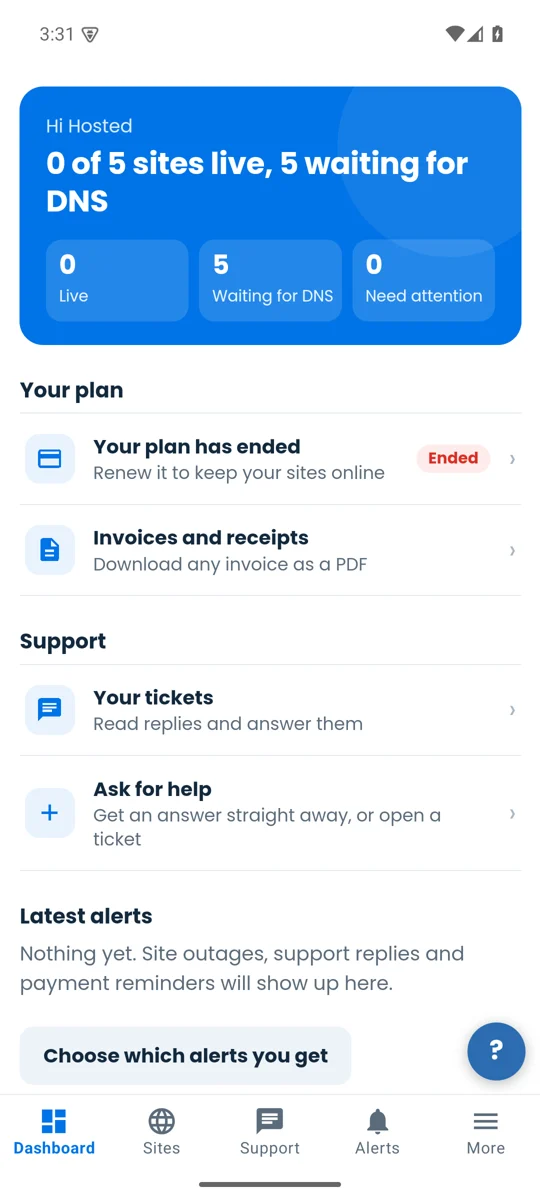
The dashboard shows how many sites are live, how many are waiting for DNS and which need you, plus your plan, invoices and tickets.
Alerts that actually reach you
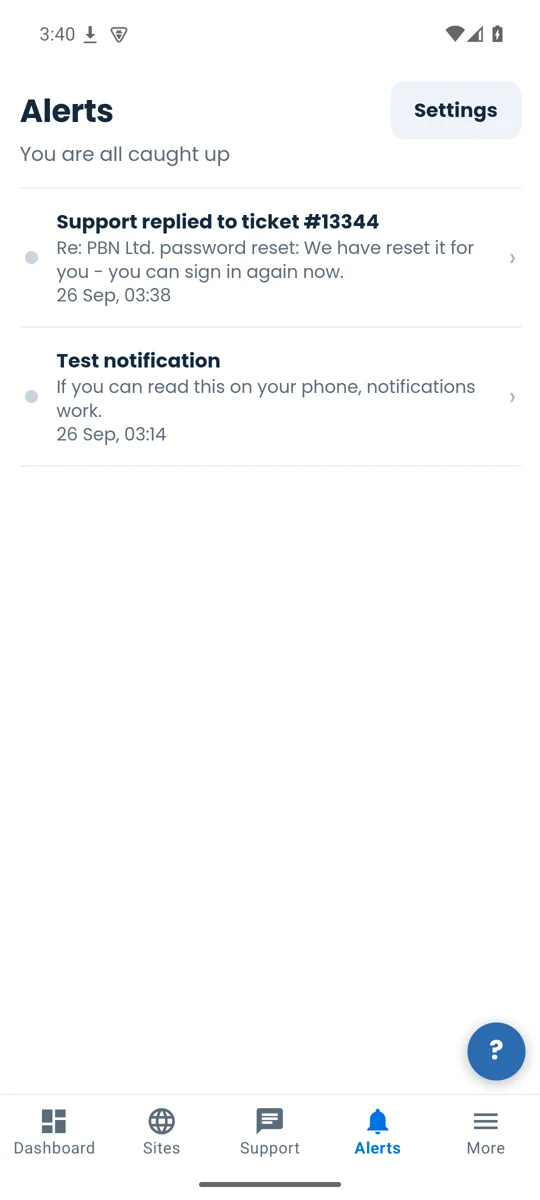
A site going down or coming back, a support reply, a new invoice, a payment or renewal due, domain changes and new sign-ins — on your lock screen and in the Alerts tab.
Support in your pocket
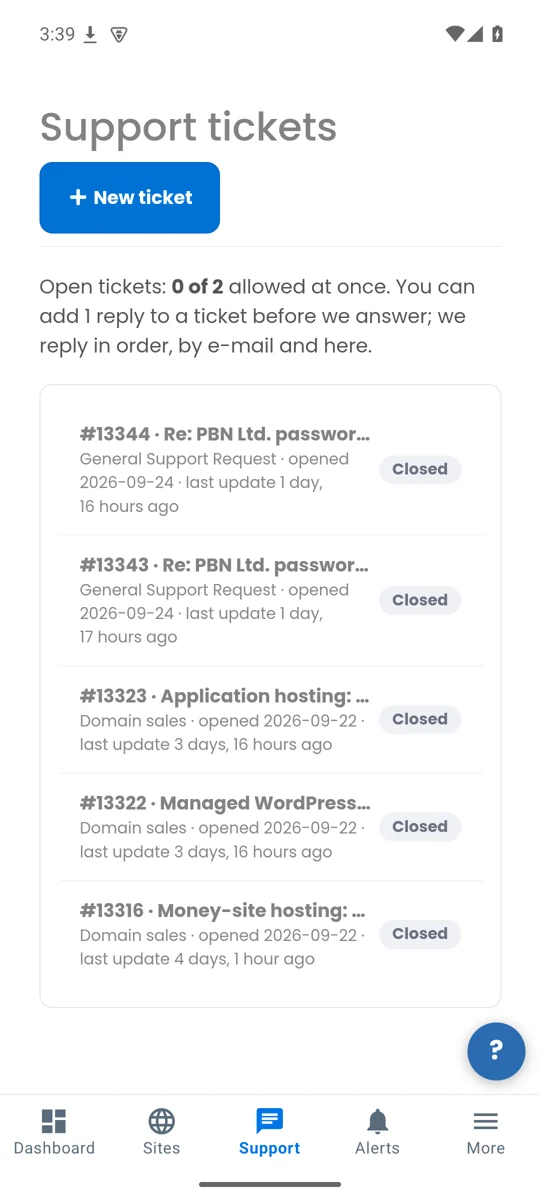
Read and answer tickets, ask our assistant for help, and attach screenshots or files straight from your phone.
Unlock with your fingerprint
Optional fingerprint or face unlock when you open the app. Your password is never stored on the phone.
You choose what you hear about
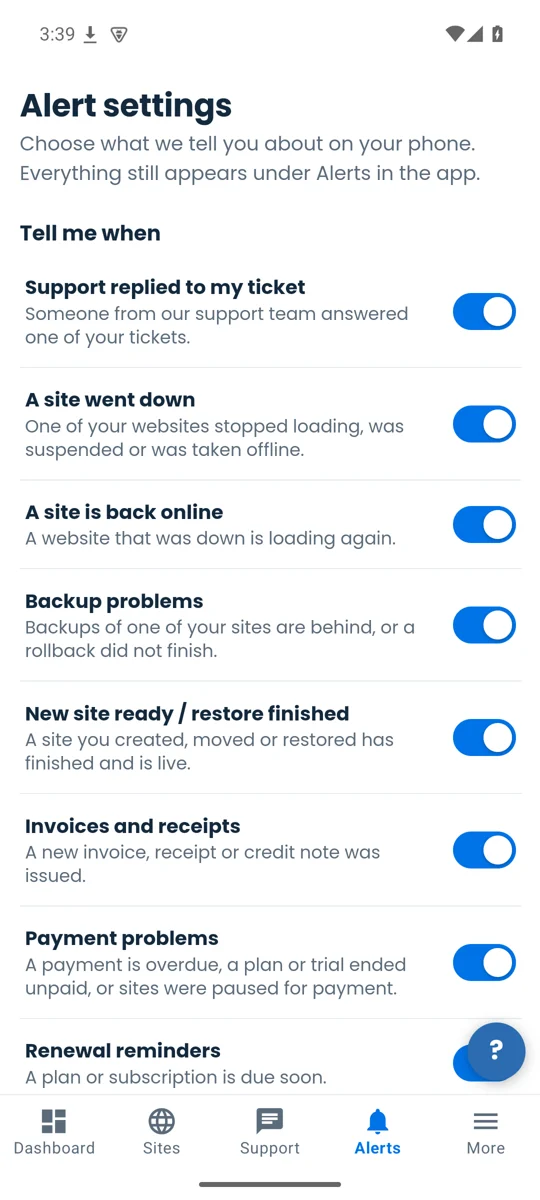
Switch each type of alert on or off, and set quiet hours so nothing buzzes at night. Everything still waits for you in the Alerts tab.
Your whole account
Plans, invoices, domains, SEO tools and every setting are one tap away under More — the same account you use on the web.
The app, screen by screen
Install it in three steps
- Download the app. On your Android phone, open app.pbn.ltd/app and tap Download for Android. Your browser saves the file (it ends in .apk).
- Allow the install. Android asks once whether your browser may install apps. Tap Settings, switch on Allow from this source, then go back.
- Open and sign in. Open the downloaded file, tap Install, then open PBN.LTD Hosting and sign in with your usual email and password (and your two-factor code, if you use one).
The app needs Android 7 or newer. When a new version is ready the app tells you and takes you to the download.
iPhone: the iPhone app is on its way to the App Store. Until it arrives, open app.pbn.ltd in Safari — every page of your account works on a phone.
Questions
Does the app cost anything?
No. It is free for every PBN.LTD customer and uses your existing account.
Why is it not in the Google Play Store yet?
The store listing is on its way. Until then you install it from our own download page; Android asks you once to allow the install. The file is signed by us, and its SHA-256 fingerprint is shown on the download page.
Which alerts can I get?
Support replied to your ticket, a site went down, a site is back online, backup problems, a new site is ready or a restore finished, invoices and receipts, payment problems, renewal reminders, domain names, and new sign-ins to your account. You switch each one on or off in the app under Alerts, Settings.
Can I stop alerts at night?
Yes. Turn on quiet hours and choose the times and your time zone. Alerts in those hours do not buzz; they wait for you in the Alerts tab.
Is my password stored on the phone?
No. You sign in with your normal email, password and two-factor code. If you turn on fingerprint or face unlock, the phone keeps only a key that works for that phone and that we can cancel at any time — never your password.
I lost my phone. What do I do?
Sign in on the web, open Login & security and press Sign out this phone next to it. The phone is signed out at once, its fingerprint unlock stops working and it gets no more alerts.
Can I still use the website?
Yes. The app and the website are the same account; anything you do in one shows in the other.
Take your hosting with you
Free, signed by us, and ready in a minute.