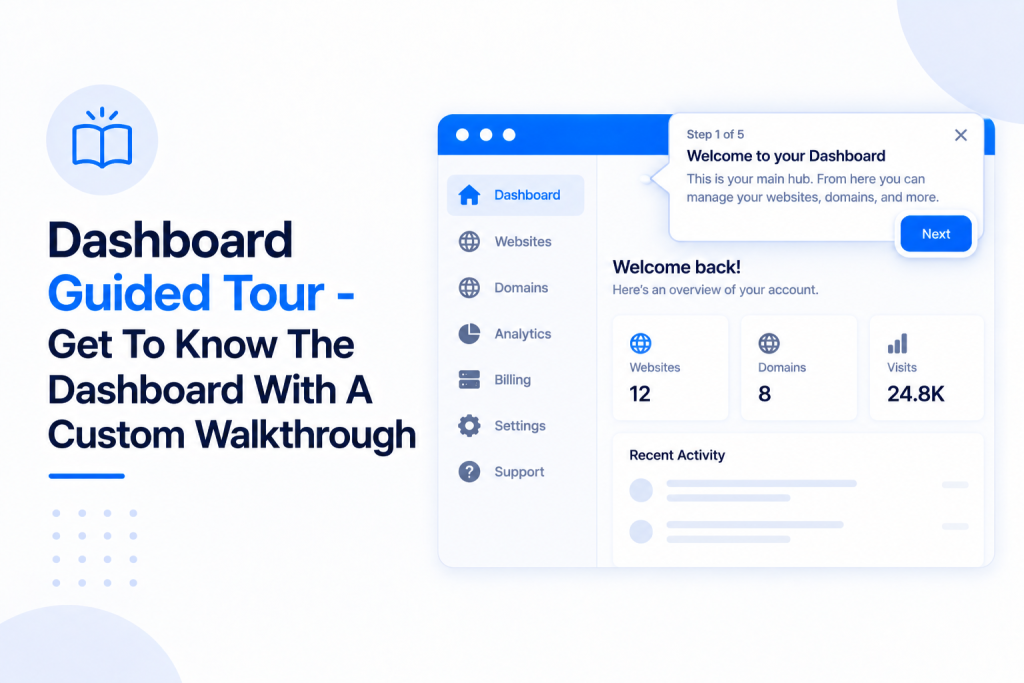
Getting to grips with a new hosting dashboard can feel like a lot — especially one as packed with features as our PBN Hosting. So every new account starts with an automatic guided tour that walks you through the dashboard, showing you what each tab does and where to find everything you need.
💡 Heads-up
The tour starts on its own the first time you log in to a new account. You can skip it if you like, and you can run it again as many times as you want — nothing is lost by skipping it.
What’s in this guide
What the guided tour is
The guided tour is a short, interactive walkthrough of your dashboard. It appears automatically when you first log in to a new account and takes only a few minutes. Step by step, it points out each part of the dashboard and explains what it’s for, so you’re not left hunting around for features.
Taking the tour
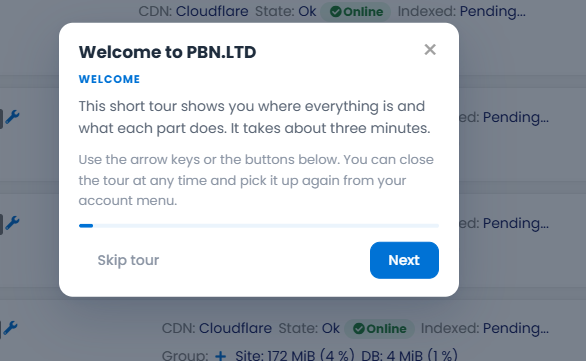
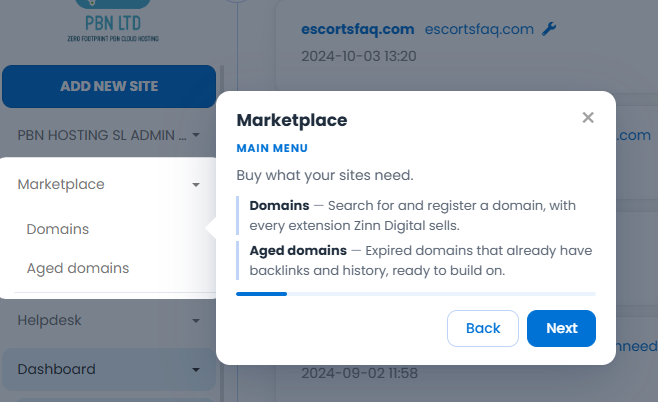
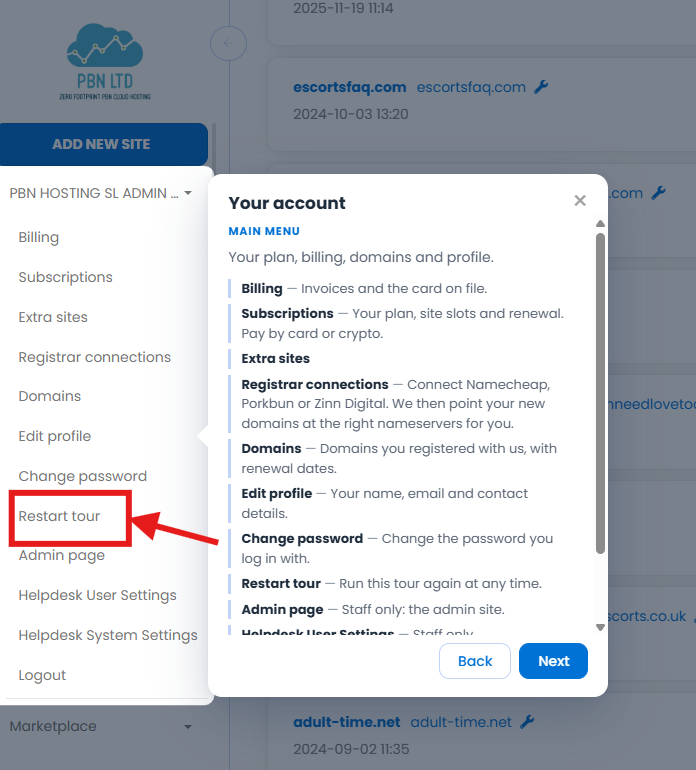
Move through the tour with the Next and Back buttons, or your keyboard arrow keys. Each step highlights an area of the dashboard — such as your account menu or the Marketplace — and gives you a plain-English summary of what it does and where things live. If you’d rather explore on your own, just click Skip tour or close the tour by using the ‘X’ in the top right hand corner; you can always come back to it later.
Restarting the tour later
Skipped it, or want a refresher? You can run the tour again at any time. Click your account name in the top-left corner of the dashboard to open the account menu, then choose Restart tour.
✅ Quick summary
Every new account gets an automatic guided tour of the dashboard, explaining each tab and where to find things. Skip it anytime, and restart it whenever you like from your account name in the top-left → Restart tour.