
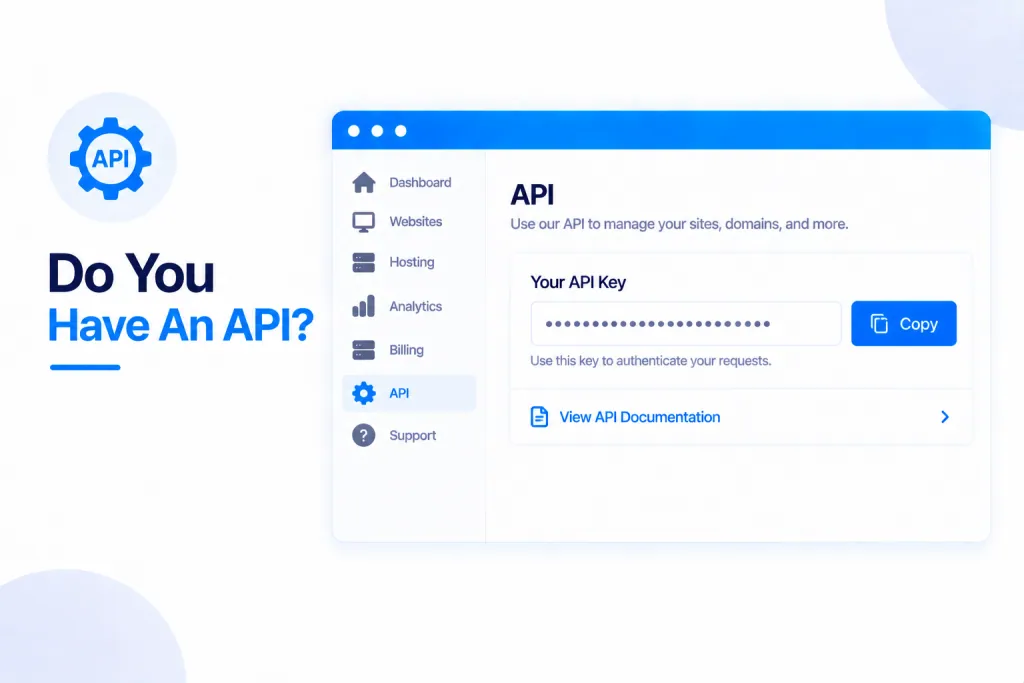
Yes — PBN.LTD has a full API, so you can manage your hosting from your own tools, scripts and dashboards. As a rule of thumb, anything you can do in your dashboard you can also do through the API.
New to it? See what the API and MCP server can do for you — what your AI assistant or your own code can manage, how to connect Claude, ChatGPT or Cursor, and the keys you control.
💡 Heads-up
You control everything with API keys — make as many as you like, scope each one to just what it needs, and revoke any of them instantly. A key can never do more than your account can. Prefer not to write any code? You can connect an AI assistant to the very same operations through our MCP server (more on that below).
What the API lets you do
It’s a full REST API at app.pbn.ltd/api/v1, with 332 endpoints across 44 areas — so you can plug PBN.LTD into your own dashboards, scripts and tools and automate whatever you like. Every product in your dashboard is in it, including the add-ons: anything that costs money answers with a checkout link for you to open and pay (the API never charges you by itself), and anything that deletes, restores or overwrites a live site needs an explicit confirm. It covers:
- Account — The account behind the key: profile, plan, site slots, limits and usage.
- Billing — Subscription, payment due, invoices and invoice PDFs, add-ons.
- Sites — Every site type: list, search, create, change, delete; status, nameservers, CDN, SEO.
- Site tools — Cache purge, one-click admin login, reinstall, health checks, Site Cleaner, usage.
- DNS records — The site's own DNS records (A, AAAA, CNAME, TXT, MX, SRV, CAA, NS).
- Backups — List, create, download and restore backups.
- Files — Browse, read, upload, rename and delete the files of a site.
- Logs — Error log and access log of a site.
- Support tickets — Open support tickets and reply to them.
- Knowledge base — Search the knowledge base.
- Jobs — Progress of the long-running actions the API started.
- Content and publishing — Posts, pages, pictures and the AI auto-posting campaigns, on every site type — create, change and delete campaigns, test or remove your AI keys, and every button an article has.
- Building, plugins and themes — Upload a built site, set the home page, install and test plugins and themes, and the sites you publish to other hosts — their custom domains, deploy logs and your connected hosting accounts.
- Registrar connections — Connect your domain registrar accounts so we set your sites' nameservers for you: connections, automatic updates, per-site status and history.
- Rank tracking — Where do your keywords rank in Google? Track any domain – hosted with us or not – in any country, language and device, with the full position history.
- AI visibility — Do AI assistants (ChatGPT, Google AI answers and others) name your brand when people ask the questions you care about? Track prompts, answers and competitors.
- Index checker — Is each page in Google? Track any URL – on your sites or any other – and read its history.
- Website firewall — The firewall in front of every site: whether it is on, and what it recently blocked.
- SEO tools — The SEO tools suite: every tool, your subscription, and prices with the bundle and yearly discounts.
- Keyword research + domain overview — Keyword ideas with volume, CPC, competition and difficulty; any domain's ranked keywords, traffic, top pages, competitors and keyword gaps.
- Domain vetting — Check a domain before you buy it, and get told when a new aged domain matches a search you saved.
- Footprint checker — What publicly joins your sites together – shared addresses, nameservers, tracking codes, themes, icons, footers, links, mail records and certificate history – with a fix for each.
- Site audit — Crawl a site you own and find what is holding it back, with a fix for each finding. Richer for sites hosted with us.
- Backlink monitor — Are the links you built still there? Watch individual links and whole backlink profiles.
- Brand mentions — Where your brand, domain or product is talked about on the web, and whether the tone is positive or negative.
- Local rankings — Where a business sits in Google's map results and local results, town by town.
- Client reports — White-label reports for an agency's clients, built from the SEO tools the account already has.
- Held plugin updates — Plugin updates that stopped a site working were put back automatically; list them and ask for one to be tried again.
- Extra databases — More databases for one site (any site type with a database), each with its own daily backup you can restore.
- Staging — Staging sites: a private copy of a live WordPress or Static HTML site to try changes on, then copy to the live site (or refresh from it).
- Turnstile bot check — Cloudflare Turnstile on your WordPress forms (login, registration, lost password, comments, Contact Form 7, WPForms): status, switch on or off, choose forms, new keys.
- Cron jobs — List every cron job on the account, or a site’s own; add, change or delete one, run it now, and see its last runs.
- Reputation monitoring — The businesses you watch with their Google, Trustpilot and Tripadvisor ratings, latest reviews and brand page one; add or remove a business, confirm which profiles are yours, add brand terms, or ask for a fresh reading.
- Product price tracking — List the products you track and their prices across the shops that sell them, add one to track, or stop tracking it.
- Competitor tracking — List the domains you watch, watch a new one, or stop watching it, plus your packs and usage.
- Agency SEO data — Authority and link data for many domains at once: list, add, label or stop tracking a domain, plus your plan and usage.
- Website e-mail sending — Where a site’s e-mail goes out: send it through your own Resend, SendGrid, Brevo, Mailgun, Amazon SES, Postmark or SMTP account instead of ours, switch back, send a test, and list the providers you can use.
- Money sites — Hosting on Zinn Digital's platform: plans, orders, sites, usage, and the free WooCommerce tick on a PBN-line WordPress site.
- Hourly backups — A site’s hourly restore points: take one now, roll the site back to an hour, or download one.
- Redis — Whether Redis is on for the account and each site, and switching it on or off per site.
- Site security — For sites on Cloudflare: “I’m Under Attack” on or off, the site’s own firewall and rate-limiting rules, and blocking AI crawlers.
- SEO metrics and backlinks — Each site’s Trust Flow, Citation Flow, backlinks and referring domains over time, and the backlink tracker: change or remove a link on every site that carries it.
- Mailboxes — Mailboxes, aliases, forwarders, the catch-all and out-of-office replies of your sites; create or delete a mailbox and set a new password (passwords are never returned).
- Wayback restore — Look a domain up in the web archive, start a restore and order it with a restore credit; your credits, prices and restores.
Getting an API key
Go to the account menu → API keys. Create as many keys as you need, and tailor each one:
- Full or scoped — limited to exactly the operations it needs.
- Limited to chosen sites.
- Given an expiry date, an IP allowlist, and its own rate limit.
Your key is shown once when you create it, so copy it there and then. You can see what each key has been doing under Activity, and press Revoke to switch it off instantly.
Security & rate limits
A key can never do more than your account can — and a key created by someone with Team access stops working the moment their access is revoked. There are sensible rate limits too: 120 calls a minute, 5,000 an hour, and 30 writes a minute — plenty for normal use, and our support team can raise them if you have a good reason.
The full documentation
Everything is documented — authentication, scopes, rate limits, pagination, errors and background jobs — with a reference page for each area and copy-and-paste examples in curl, Python and JavaScript.
Prefer to just ask an AI?
If you’d rather not write any code at all, you can connect Claude, ChatGPT or any AI assistant to the same operations through our MCP server, and simply ask in plain words. See Connect Any AI Assistant To Your Account (MCP Server).
✅ Quick summary: Yes — PBN.LTD has a full REST API (332 endpoints) so you can manage everything from your own tools. Create scoped API keys from the account menu, secure them with an expiry, IP allowlist and rate limits, and revoke any of them instantly. The full docs, with curl, Python and JavaScript examples, are at app.pbn.ltd/api/docs — or connect an AI assistant through MCP for the no-code route.