
Every WordPress site announces itself in the same handful of ways: a version line in each page, links naming its programming interfaces and editing tools, a “powered by” header, login messages that confirm a username exists, and an old remote-publishing door (XML-RPC) that bots knock on all day. Zinn Footprint is our free plugin that switches those off. It never changes how your pages look and it never blocks search engines.
💡 Already on your sites with us
WordPress sites hosted with us get Zinn Footprint as standard – new sites, restored sites and sites moved in included. The footprint checker shows where it is active and installs it with one click where it is not.
What it removes
- The version line WordPress writes into every page.
- Discovery links in the page head: the REST API link, the editing-tool links (RSD and Windows Live Writer) and the short link.
- The “powered by” header that names the server software.
- Login messages that give a username away. A wrong username and a wrong password now get the same message.
- XML-RPC and pingbacks, the old remote-publishing door bots hammer. If a plugin that needs XML-RPC is active – Jetpack, for example – it is kept open automatically, and the plugin says so in your WordPress dashboard.
What it never touches
- Search engines: Googlebot, Bingbot and the rest are never blocked.
- Your crawler settings: if you block SEO crawlers, that stays exactly as you set it.
- Your design, your content, your other plugins.
- It does not phone home and needs no licence.
In your WordPress dashboard (only there, never on your public pages) it adds a small panel with its user guide and our services. Your visitors never see it.

It works on WordPress 6.6 or newer and PHP 7.4 or newer.
On sites hosted with us
It is installed for you. Each site is checked straight afterwards – the home page, the login page, a search-engine visit and, where Jetpack or a similar plugin is active, XML-RPC – and if anything answers differently from before, the plugin is taken off again automatically and the site is left exactly as it was.
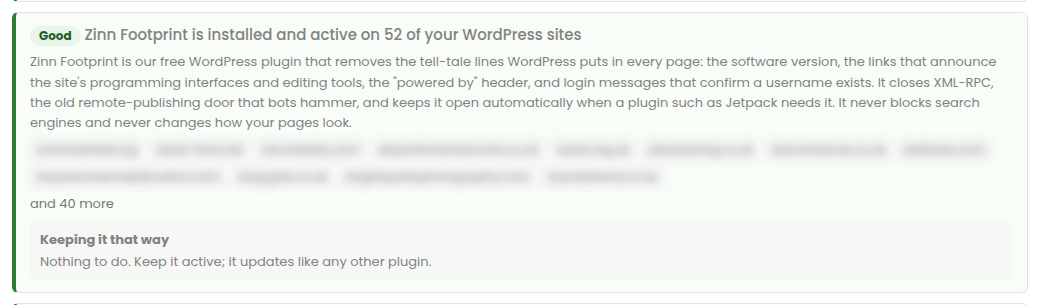
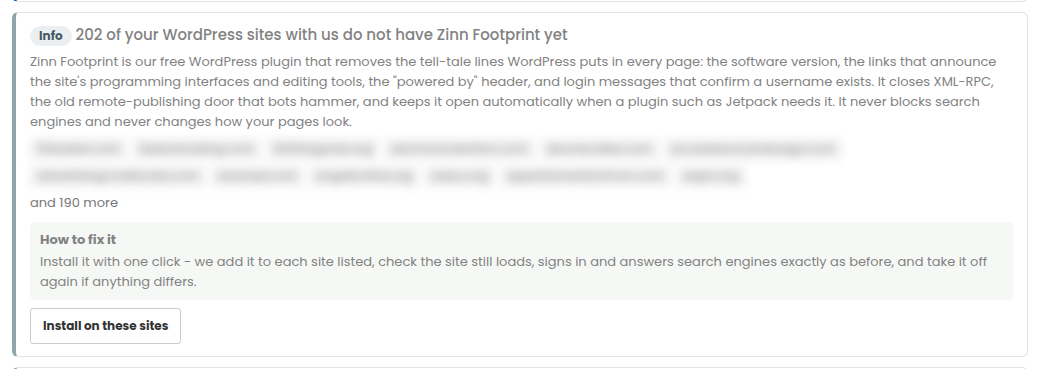
Where a site does not have it yet, the footprint checker recommends it and Install on these sites adds it with one click.
On a site hosted somewhere else
- Sign in and download it: Download Zinn Footprint.
- In that site’s WordPress dashboard go to Plugins, Add New, Upload Plugin, choose the file and press Install Now.
- Press Activate. Nothing needs setting up.