
A money-site plan already includes a lot. Add-ons are the extras on top: more rank-tracking phrases, backlink and competitor monitoring, database maintenance, malware clean-up, translation, an AI chat agent, priority support and more. You can take them with the plan, on the same payment, or add them later from the site’s page.
💡 Why do I not see every add-on?
Each page only lists the add-ons that fit the plan you are looking at. Something the plan already includes – rank tracking, for example – is not offered again, and add-ons that only make sense for WordPress are only on the WordPress plans.
With your plan, on the same payment
On Managed WordPress and on Application hosting, the order form has an Add-ons (optional) section just above the payment button. The add-ons are grouped – Search and SEO; Speed, care and security; More for your site; Support – and each one shows its price and whether it is one-off or monthly.
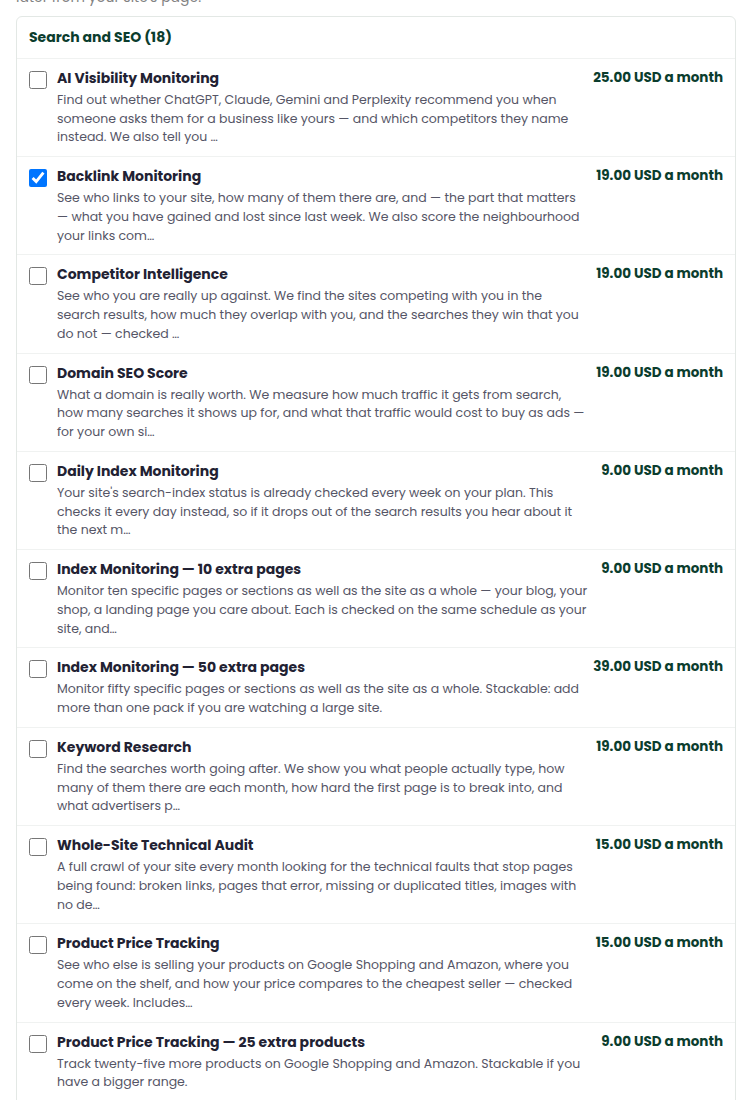
- Choose the plan, the term and your domain as usual.
- Open a group and tick the add-ons you want. The total of what you ticked shows under the list.
- Press Continue to payment. The plan and every add-on are on the same order and you pay by card, PayPal or crypto once, on Zinn Digital LTD’s own secure page.
We check our price for the plan and for each add-on against Zinn Digital’s own figures before you are sent to pay. If anything differed by even a cent, the order is held for our team and nothing is charged.
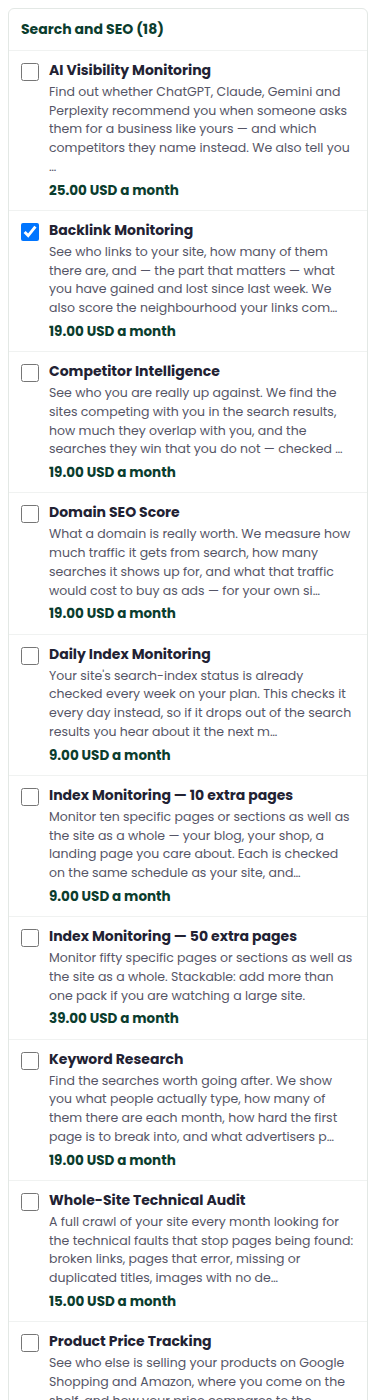
Adding them later
Open Money-site hosting › My money sites, open the site and scroll to Add-ons. Tick what you want and press Add to this site.
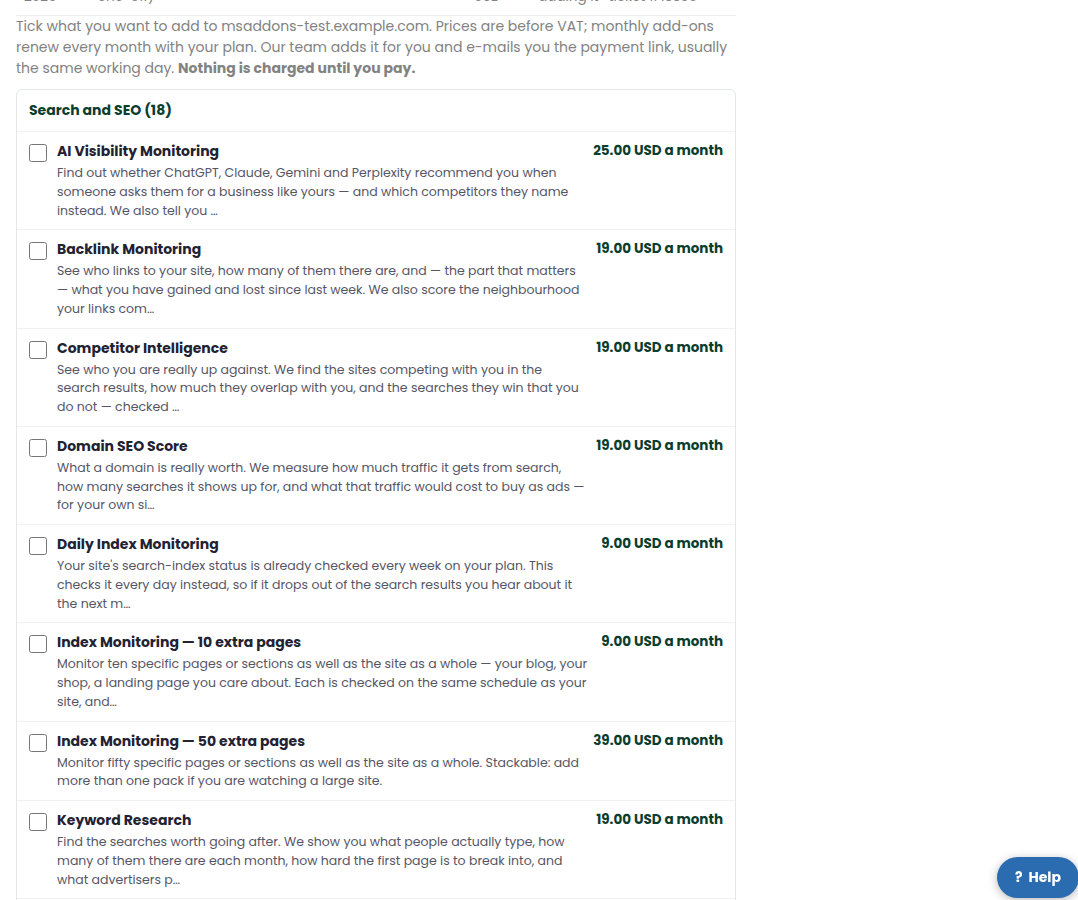
Our team adds them for you and e-mails you the payment link, usually the same working day. Nothing is charged until you pay. Each request stays listed on the site’s page with its status, so you can always find it again.
How they are billed
- One-off add-ons are charged once. Monthly add-ons renew every month with the plan.
- Some add-ons are work done by the Zinn Digital team – they are marked done by our team, and the team contacts you to arrange it.
- VAT is added for your country on the payment page, the same as for the plan.
- Your receipt lists the plan and each add-on on its own line.
If something is wrong
Open a ticket from Support and say which add-on it is about.