
The marketplace is our shop inside the dashboard: backlinks of every kind (homepage and inner-page PBN links, niche edits, guest posts, blogroll and sitewide links, foundation links, press releases), ready-made link packages and drip-fed campaigns, PBN website builds and month-by-month network management, article writing, and one-off site work such as malware cleanup, database cleanup and speed work – and, alongside them, SEO services, digital marketing (social media, paid ads, e-mail), AI and automation (chatbots, workflows, data scraping, AI images and video) and web and tech work (websites, landing pages, apps, IT, cloud and security, data and analytics). You do not need hosting with us to buy – anyone can order.
💡 Every order gets its own thread
The moment an order is paid it opens a conversation with our team that is only about that order: progress, questions and the delivery report all arrive there, and you are e-mailed whenever we write.
Find what you need
Open the marketplace. The left-hand column lists every section (Backlinks, Packages and stacks, By niche, PBN builds and management, Site services, SEO services, Digital marketing, AI and automation, Web and tech) and the sections inside them; the search box finds listings by name, type or metric (for example guest posts DR 50).
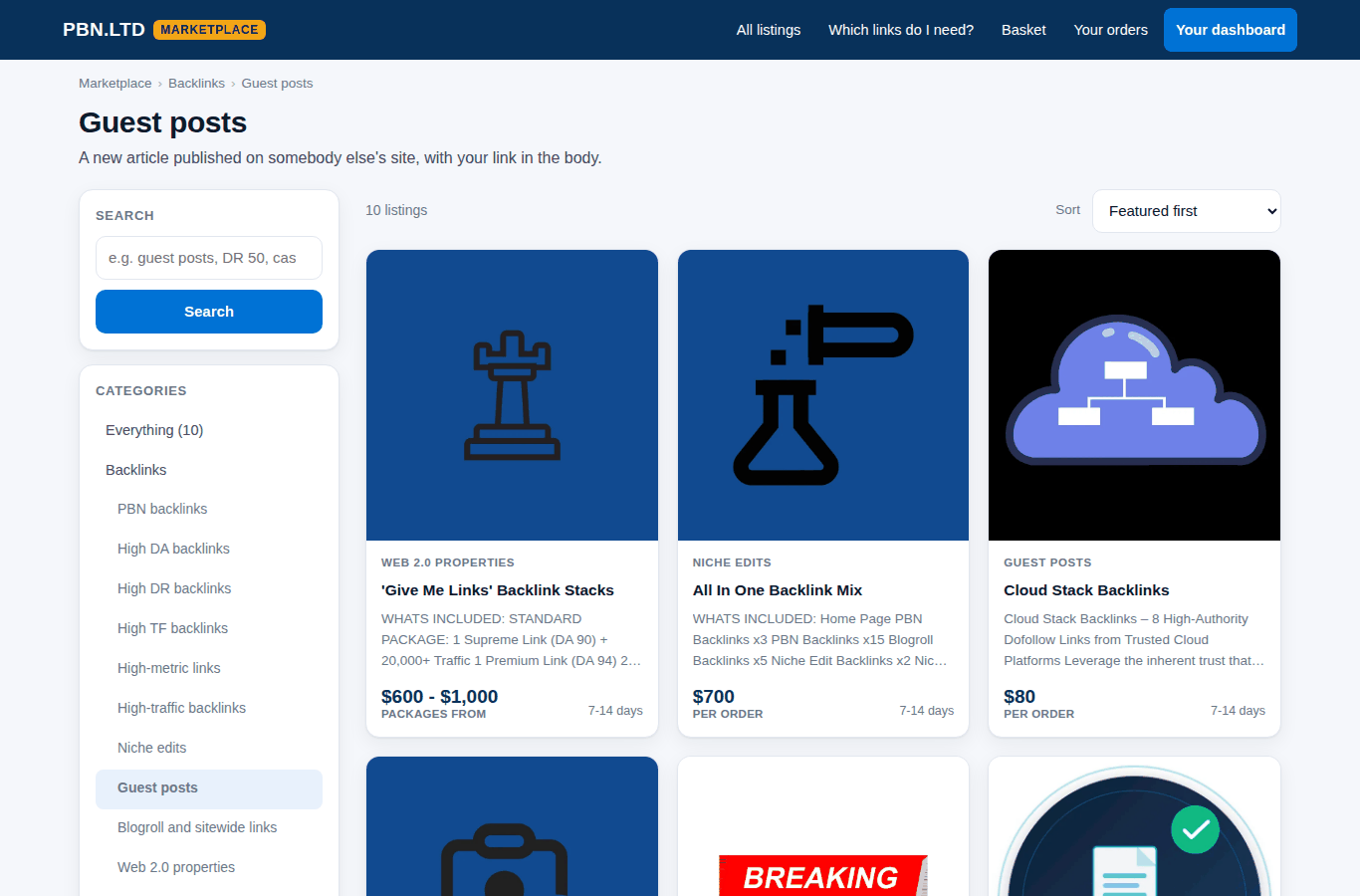
- Price and delivery are on every card, so you can compare before you open anything.
- Filters under the sections narrow the list by price, delivery time and metrics such as DA, DR, TF or referring domains.
- Not sure which links you need? The backlinks recommender asks three questions and names the packages that fit your niche, your site and your budget.
Search, or jump straight to a section
At the top of the marketplace every main section is a button with the number of listings in it, in alphabetical order, so you can go straight to Backlinks, Content writing, Packages and stacks, PBN builds and management, By niche, Site services, SEO services, Digital marketing, AI and automation or Web and tech without scrolling. New sections appear there by themselves as we add them.
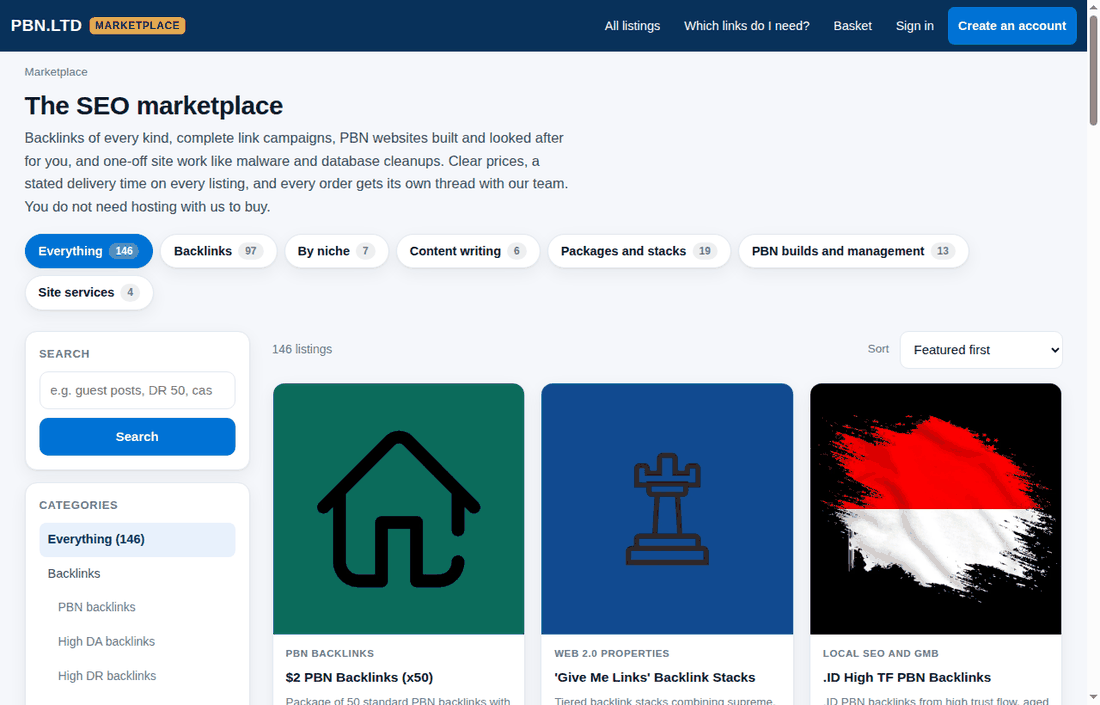
- Search finds a listing by its name, its section, its packages or a metric – try guest posts, casino, DR 50 or content writing.
- Searching on our public marketplace page at pbn.ltd/marketplace/ works the same way and links straight through to the listing.
- If a search finds nothing, say so or simply search for it anyway – we read what people look for and it is how we decide what to add next.
Choose a package and tell us what we need
Many listings also show what buyers say: the star rating and the reviews of earlier buyers, each with the buyer’s first name and initial and the date.
Open a listing to read exactly what it is, what each package includes and how long it takes. On the right you choose the package and fill in what we need from you – the domain the order is for, plus the listing’s own questions such as the target URLs and the anchor texts, or your brief for a service that is not about one website.
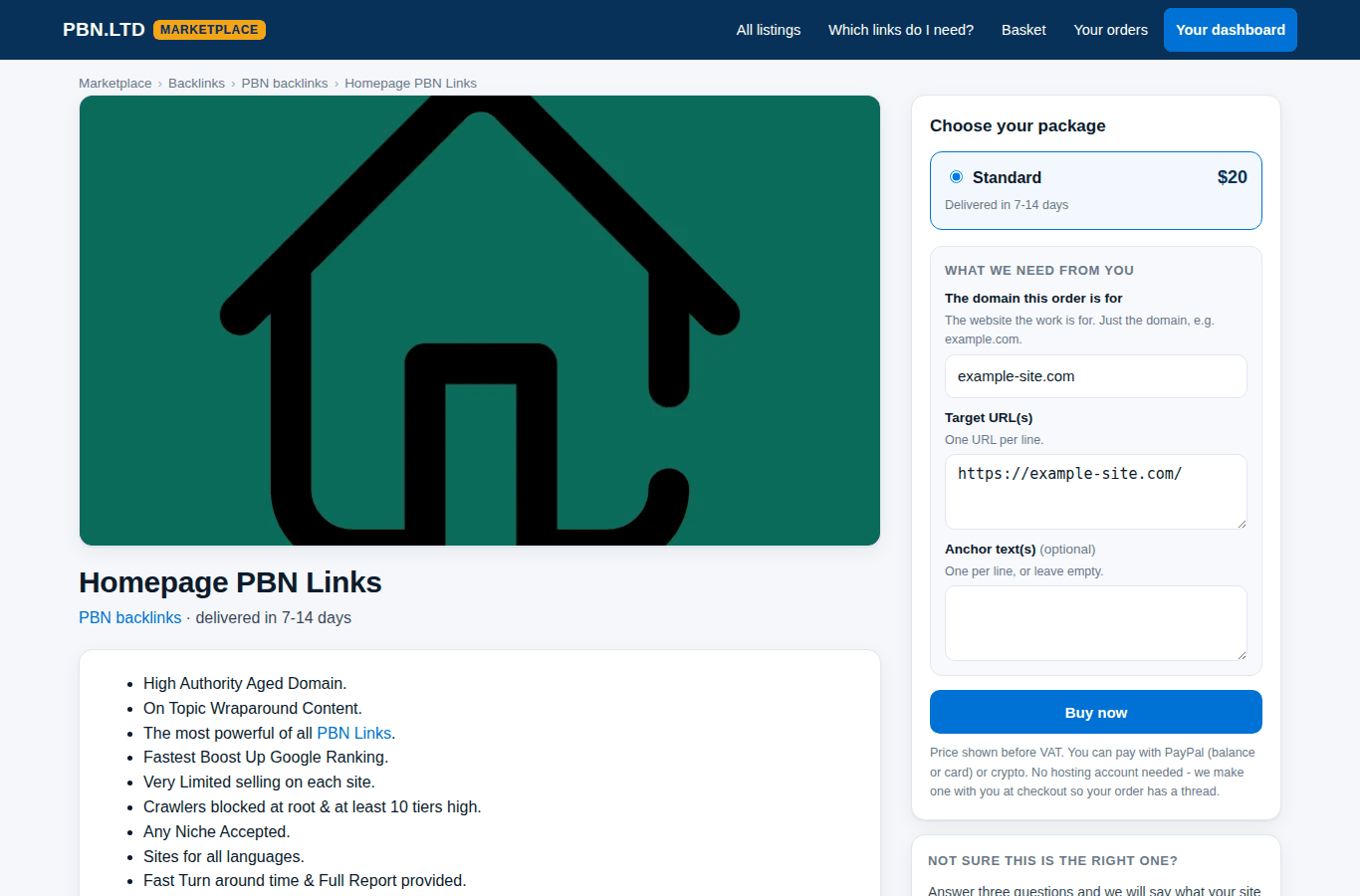
- Pick the package.
- Type the domain the work is for (just the domain, e.g. example.com).
- Fill in the listing’s questions. Optional ones are marked; leave them empty if you have no preference.
- Press Buy now. The item goes into your basket – nothing is charged yet.
Your basket
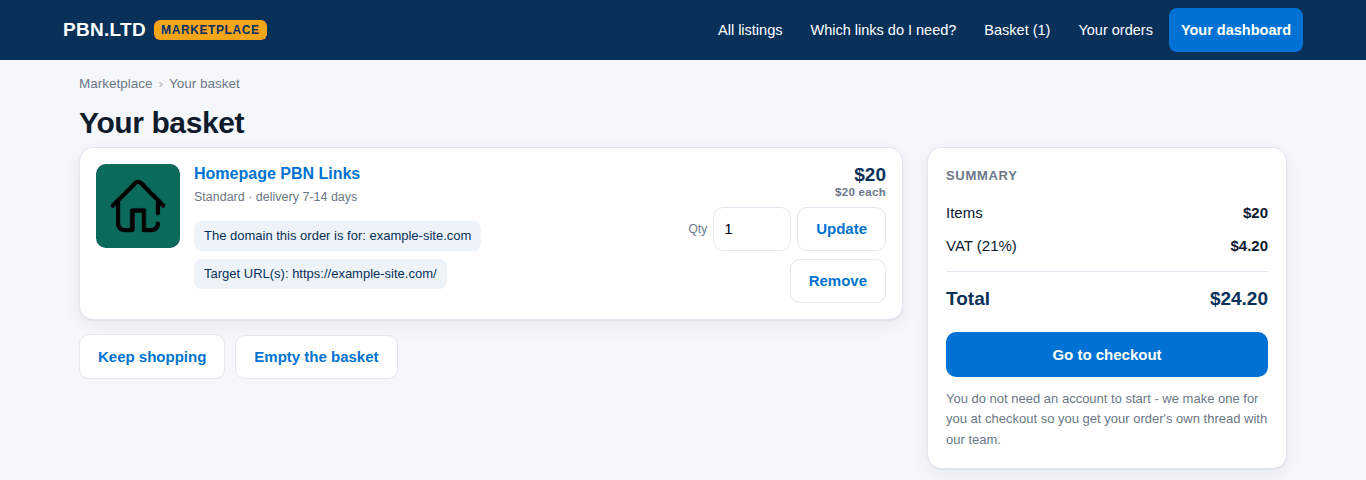
The basket keeps everything you add, so several listings can go into one order. You can change the quantity, remove an item or keep shopping. The summary shows the total, with VAT where it applies.
Checkout and payment
Checkout shows every item once more with the details you gave, so you can correct them before you pay. If you are not signed in you can create your account right there, sign in, or ask for a sign-in link by e-mail – your basket stays.
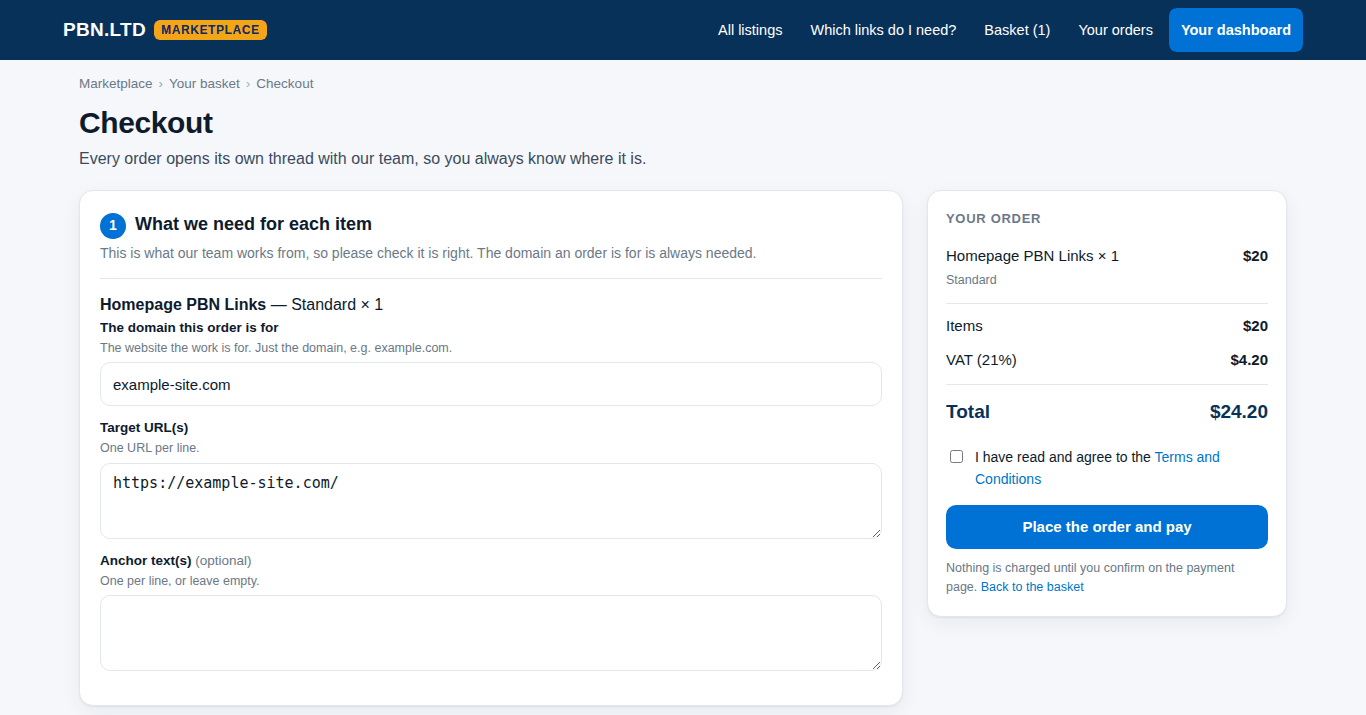
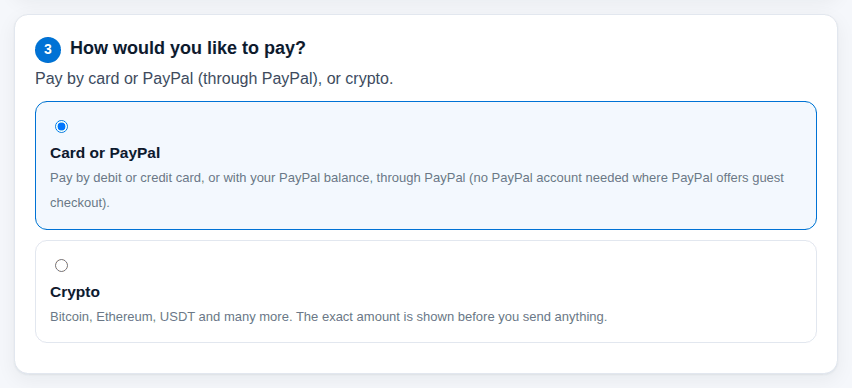
Then choose how to pay: pay by card or PayPal (through PayPal), or crypto. Card or PayPal means a debit or credit card, or your PayPal balance, on PayPal’s own page – no PayPal account needed where PayPal offers guest checkout. Crypto covers Bitcoin, Ethereum, USDT and many more; the exact amount is shown before you send anything. Tick the Terms and press Place the order and pay; nothing is charged until you confirm on the payment page.
Your order page and its thread
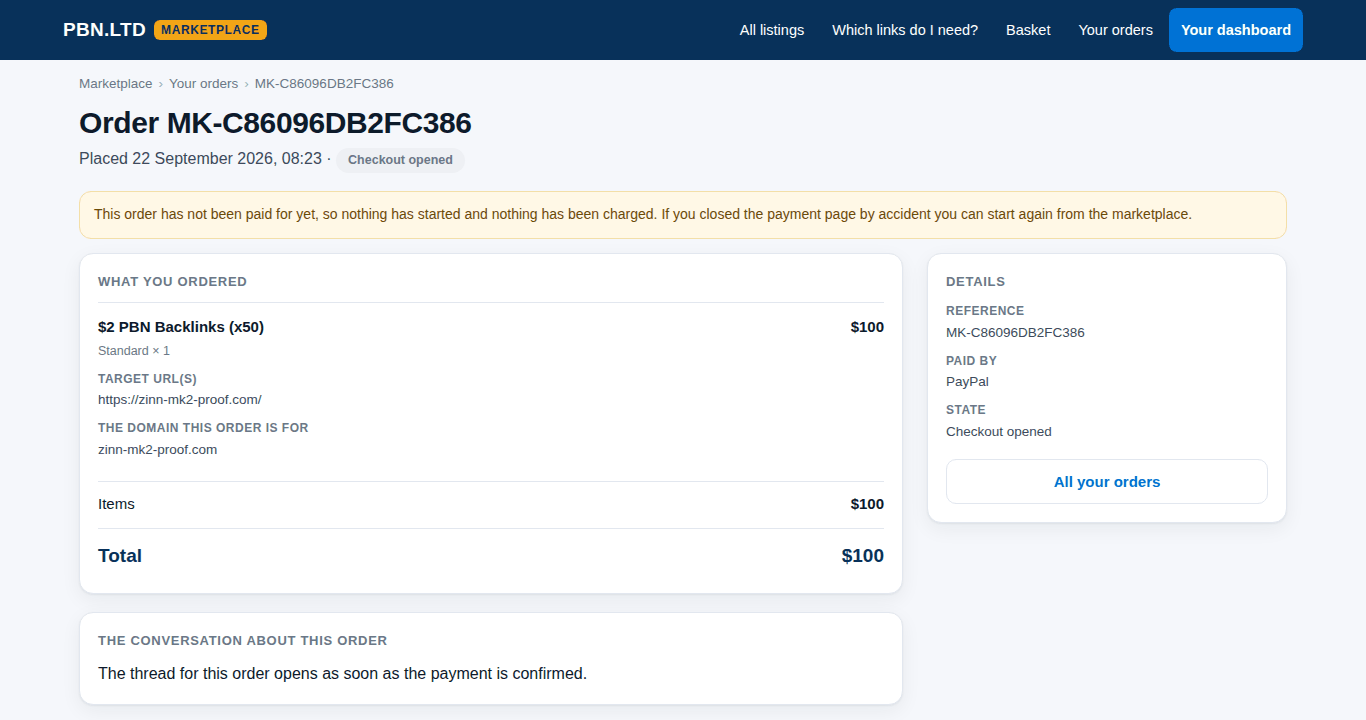
Every order has its own page under Your orders, with what you ordered, the details you gave and its state. An order that was not paid (for example if you closed the payment page) says so and nothing has started; you can simply order again.
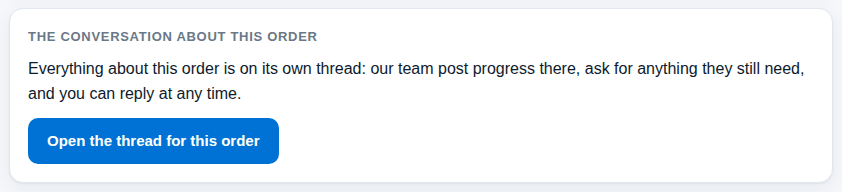
Once the payment is confirmed, the order page links its thread: our team posts progress there, asks for anything still missing, and posts the delivery report. Reply on the thread whenever you like – you are e-mailed each time we write.
What the order states mean
- Checkout opened – not paid yet; nothing has started.
- Paid – the payment is confirmed; the delivery time counts from now.
- In progress – our team is working on it.
- Needs information from you – we asked something on the thread; the clock waits for your reply.
- Delivered – done; the report is on the thread.
- Cancelled or Refunded – stopped before delivery, with the money returned where it was paid.