
A new Static HTML or PHP hosting site starts empty. Instead of an error or a bare list of files, visitors see a clean This site is ready page that says nothing has been published yet – and tells you, the owner, how to put your site there.
💡 It removes itself
The page disappears by itself the moment an index file is in the top folder of the site. There is nothing to switch off.
What’s in this guide
What visitors see
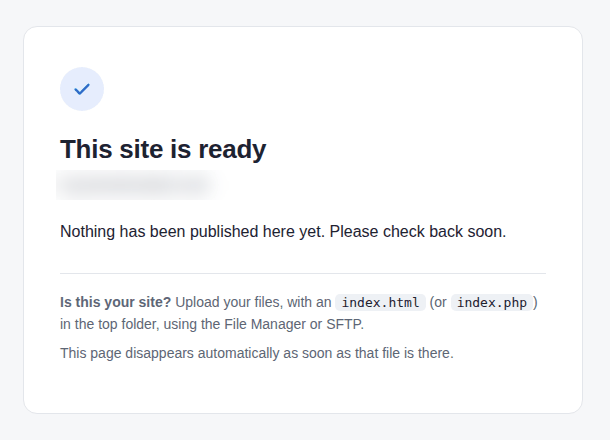
It is served with the right headers for a placeholder: search engines are told not to index it and browsers not to cache it, so your real site is picked up as soon as it is there.
Putting your site there
- Open the site’s page in your dashboard.
- Upload your files with the File manager (left menu → Site functions) or with SFTP (the site’s SFTP access tab gives the login).
- Make sure the home page is called
index.html(orindex.php) and sits in the top folder, not inside a sub-folder. - Reload the site: your page replaces the placeholder at once. If the old page still shows, purge the CDN cache from the site page.
Folders without an index
A sub-folder that has no index file answers “forbidden” instead of listing its files, so nothing you upload is exposed by accident. If you really want a folder listing, add Options +Indexes to a .htaccess file in that folder. Sites that only redirect with .htaccess are never touched.