
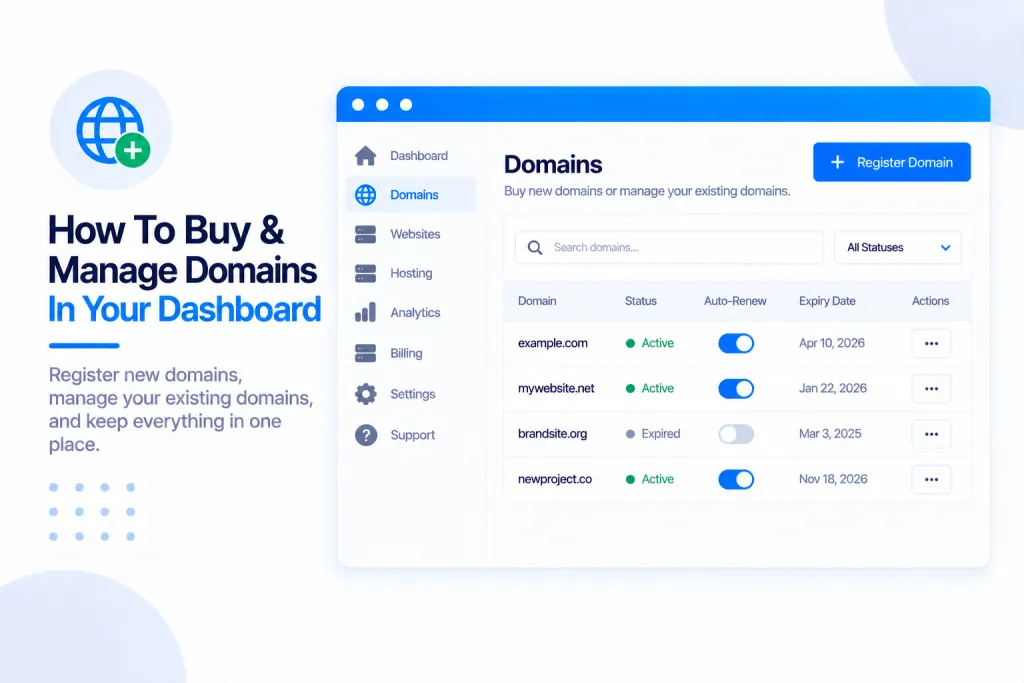
You can search for, buy and look after domain names without ever leaving PBN.LTD. Search across more than 2,000 extensions, register in a few clicks, follow the order, and — if you’ve already got a site waiting on that name — we point it at your site automatically, so it goes live without you touching a registrar.
💡 Heads-up
You pay on our registrar partner’s own secure payment page, so PBN.LTD never sees your card details. And the price and availability are re-checked the moment before your order goes in — so you’re never charged for a name that was taken while you were filling in the form.
Where to find it
You’ll find domains in a few places:
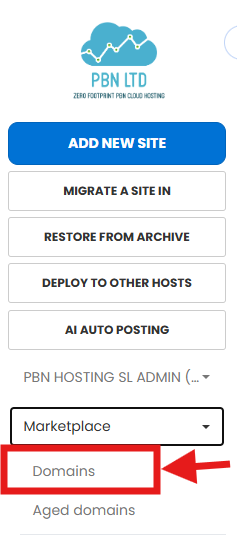
- Top menu → Marketplace → Domains (also Domains in your account menu).
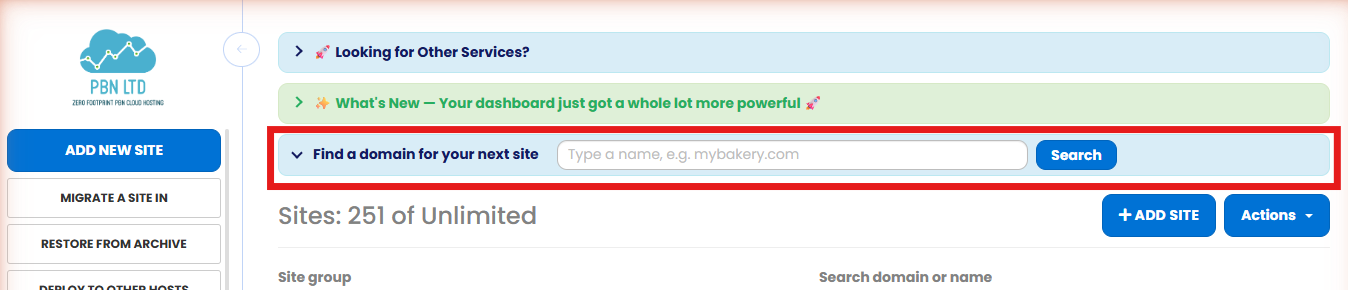
- The “Find a domain for your next site” bar at the top of your Sites list.
- The “Don’t have a domain yet?” link in the Add-site form.
Searching for a domain
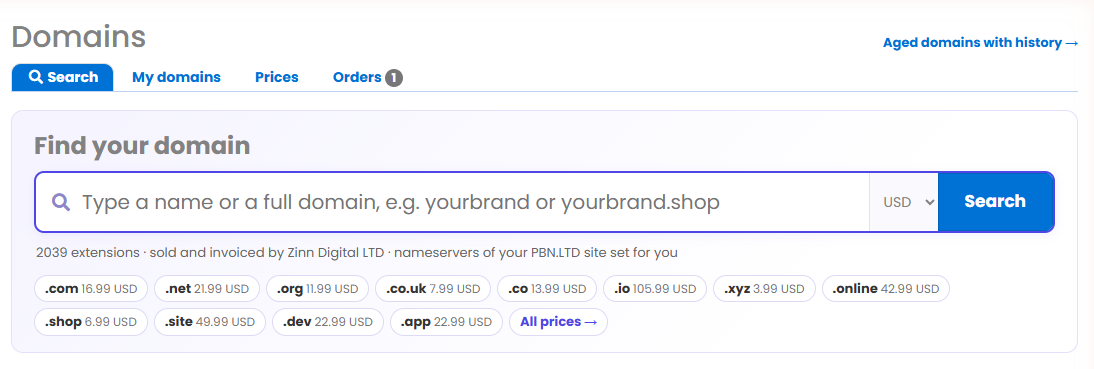
Type a name, a full domain, or even paste in a web address. Each result comes back clearly marked — Available, Taken, Not sold or Could not check — with both the first-year price and the renewal price, across more than 2,000 extensions (.com, .co.uk, .net and many more).
Registering it
Found one you like? Press Register. You’ll be asked for the domain owner’s details — ICANN (the body that governs domain names) requires these for every domain, and we check them before the order goes in. Then you pay on our registrar partner’s own secure payment page.
Right before the order is placed, we re-check that the name is still available and the price is correct. If someone else happened to grab it in the meantime, the order is refused rather than charged — and because payment happens on the registrar’s own page, your card details never pass through PBN.LTD.
Following your order
Go to Domains → Orders to see exactly what’s happening, in plain words — Pending payment, Paid – registering now, Registered, and so on. Anything still waiting for payment has a Pay now button. The page refreshes itself, and we re-read open orders in the background every ten minutes, so the status keeps itself up to date.
Using your new domain
As soon as a domain is registered it appears under Domains → My domains. If you already have a site waiting on that name, we set its nameservers for you automatically — the site page will say “We are setting the nameservers for you — nothing for you to do”, and your site goes live without you ever logging in to a registrar.
From there you can look after the domain like any other, including adding your own DNS records when you need to — see Can I Add Custom DNS Records?
✅ Quick summary: Search more than 2,000 extensions, register, and manage your domains all inside PBN.LTD. You pay on the registrar’s secure page (we never see your card), price and availability are re-checked before you’re charged, and you can follow progress under Domains → Orders. Once registered, a domain shows in My domains — and any site waiting on that name is pointed at your site automatically.