
For sites on Cloudflare, Cloudflare’s email address protection (also called email obfuscation) is on by default. It hides every e-mail address on your pages from spam bots: in the page it replaces each address with a link to /cdn-cgi/l/email-protection and adds a small script (email-decode.min.js) that shows the address again in your visitor’s browser. You can switch it off, or back on, for each site yourself.
💡 Seeing /cdn-cgi/l/email-protection 404s in Ahrefs or Semrush?
That is this feature, not a broken page. Switch email address protection off for the site (below) and the next crawl sees plain e-mail addresses instead.
What’s in this guide
What it does
Visitors see your e-mail addresses exactly as before – the script turns them back into normal text and mailto: links. Bots that do not run the script only see the /cdn-cgi/l/email-protection link, so they cannot collect the address for spam.
Some SEO crawlers (for example Ahrefs, Semrush or Screaming Frog) follow those links and report them as broken internal links (404). They are harmless to your visitors and to search engines, but they make the report noisy.
Switch it off (or on) for a site
- Open the site in your dashboard and go to its Security tab.
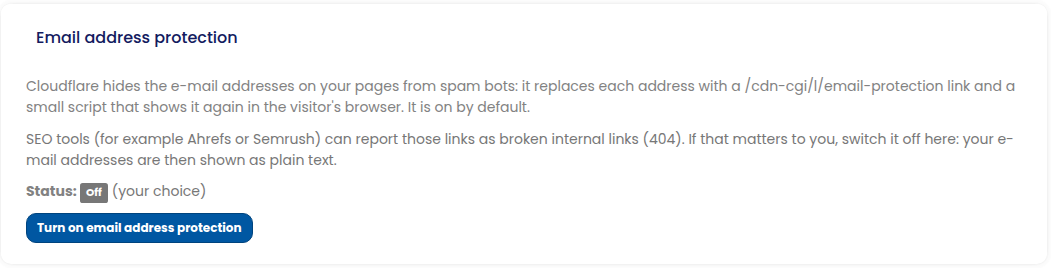
- Find the Email address protection panel. Its status shows whether it is on or off, and whether that is the default or your choice.
- Press Turn off email address protection (or Turn on to switch it back). The change is made straight away and the new status is shown.
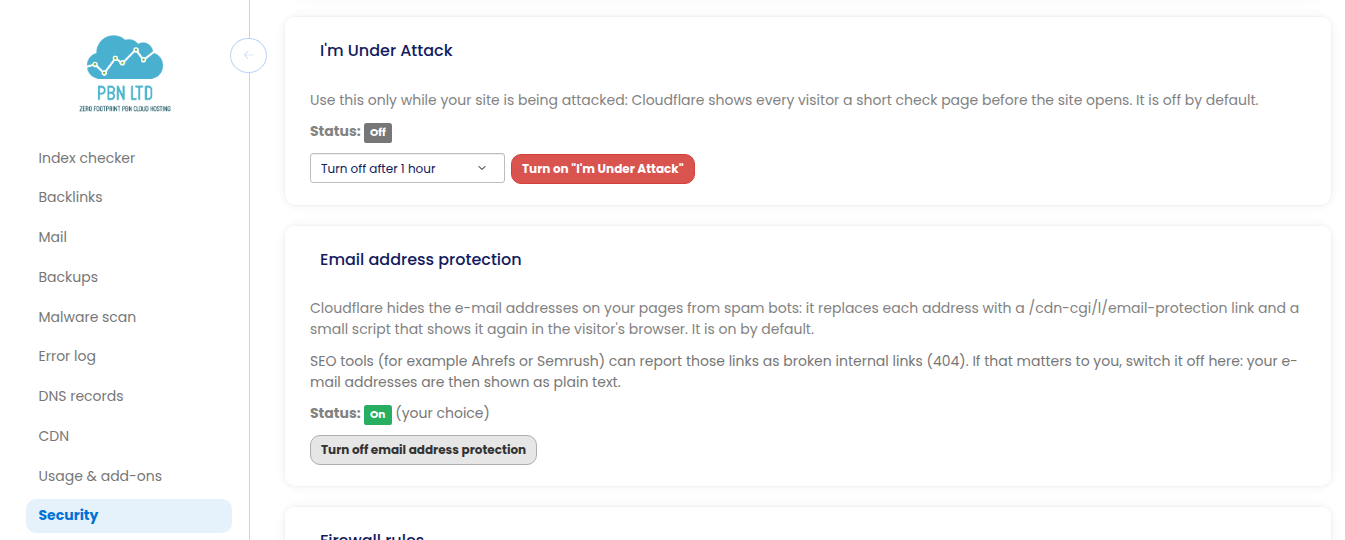
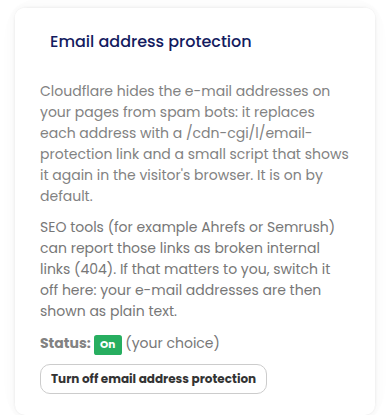
On a phone the panel is in the same place:
After you change it
- Your choice is kept for the site – also if its DNS zone is ever re-created or the site moves to another CDN and back.
- Pages that were already cached may show the old links until the cache refreshes. For an instant refresh use Purge cache in the same Security tab.
- With it off, your e-mail addresses are in the page as plain text, so spam bots can read them. A contact form avoids publishing the address at all.
- The switch is shown for sites on our Cloudflare. A site on your own Cloudflare account is set in your Cloudflare dashboard (Scrape Shield); sites on other CDNs do not rewrite e-mail addresses.