
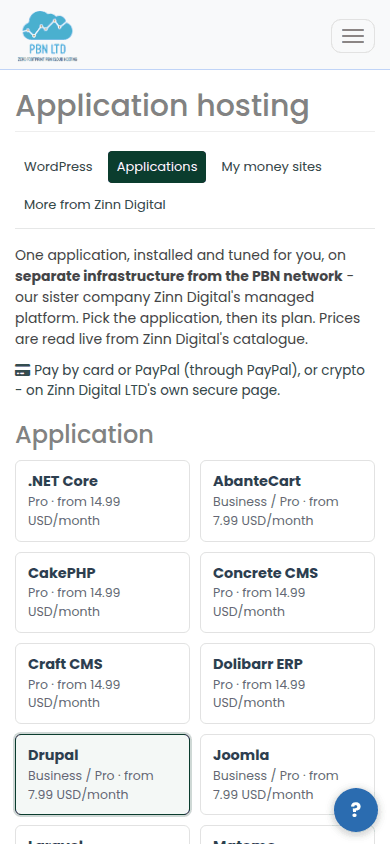
Application hosting is money-site hosting for one application other than WordPress. It runs on the same separate infrastructure as the Managed WordPress plans – our sister company Zinn Digital’s platform – and you buy and manage it in your PBN.LTD dashboard.
💡 Running WordPress?
Use the Managed WordPress plans instead – they are made for it and can set WooCommerce up for you.
What’s in this guide
Pick the application
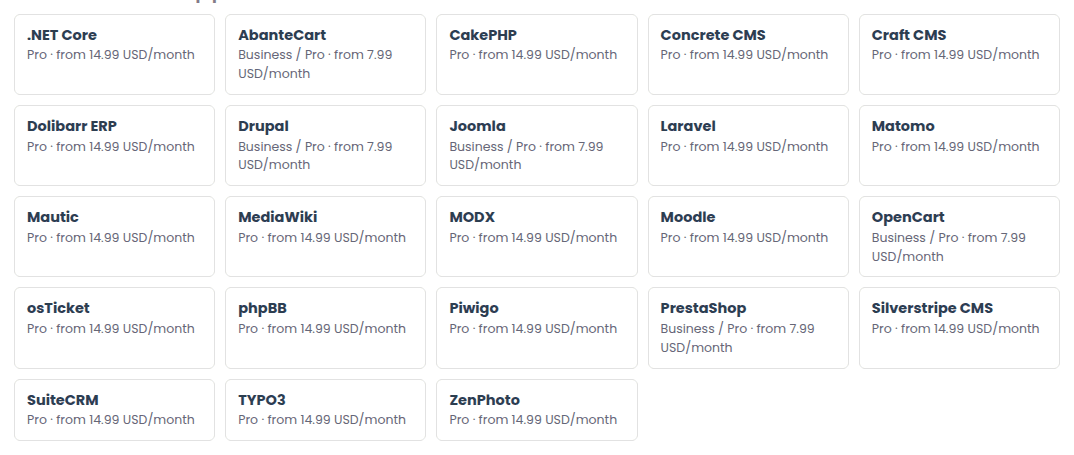
Open Money-site hosting › Applications. Every application Zinn Digital hosts is listed – AbanteCart, CakePHP, Concrete CMS, Craft CMS, Dolibarr, Drupal, Joomla, Laravel, Matomo, Mautic, MediaWiki, MODX, Moodle, .NET Core, OpenCart, osTicket, phpBB, Piwigo, PrestaShop, Silverstripe, SuiteCRM, TYPO3, ZenPhoto and more – with the plans it comes in and its starting price.
Choose the plan and the term
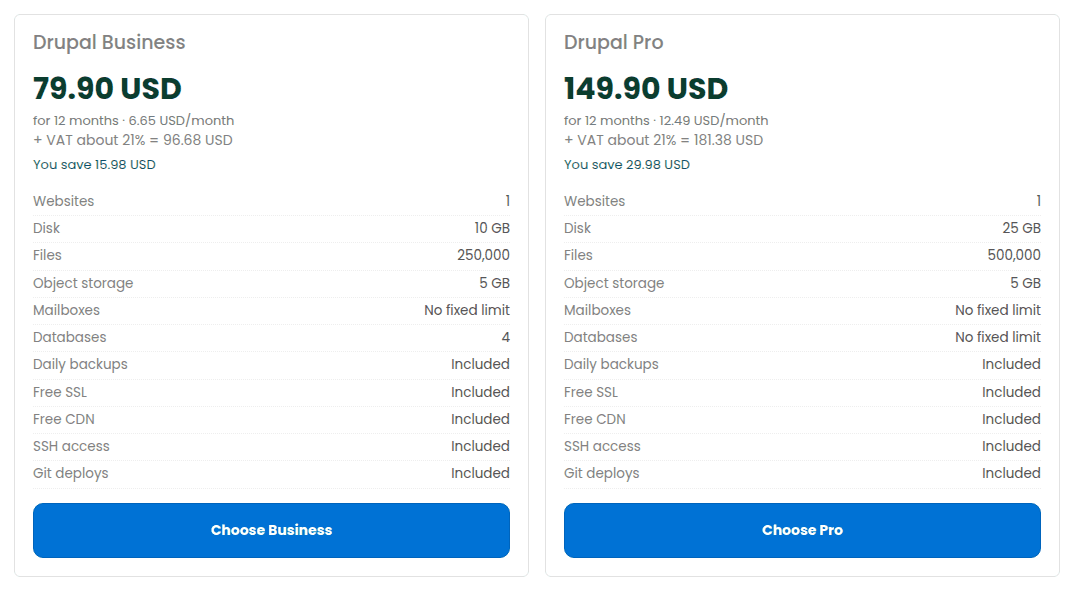
Each application has a Business and/or a Pro plan. The card lists what it includes – disk, databases, daily backups, free SSL and CDN, SSH, Git deploys and more. Pick 1, 3, 6 or 12 months; 12 months is priced at Zinn Digital’s own yearly price.
Try it free for 14 days
You can try money-site hosting free for 14 days, with no card needed, and you are never charged automatically: press Start free 14-day trial – no card needed in the set-up form. After the trial your site is paused for 3 days, then suspended unless you subscribe. One free trial per customer. See How the free trial works.
Order it
- Enter your domain, or leave it out to start on a temporary address.
- Tick any add-ons you want with it – they go on the same payment (see Money-site add-ons).
- Press Continue to payment and pay by card, PayPal or crypto on Zinn Digital LTD’s own secure page.
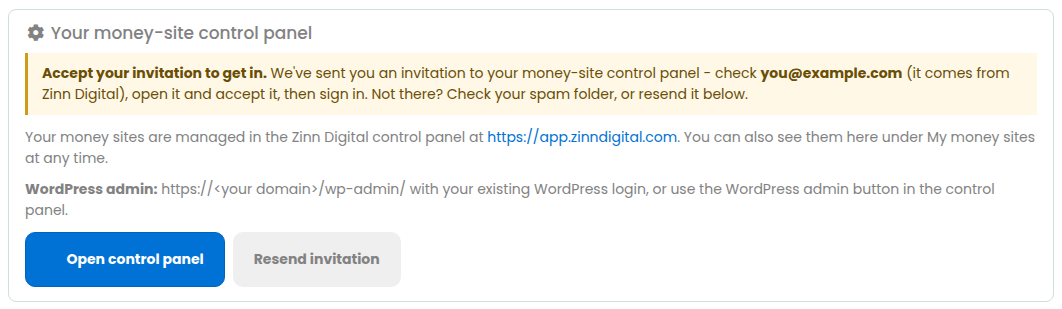
- The application is installed for you; the site appears under My money sites.
A monthly plan goes straight to the payment page. Where a longer term is not yet priced online the page says so before you start, and our team sets that order up and sends you the payment link. Nothing is charged until you pay, and you are never charged a figure other than the one you were shown.
The page also states the data centre your site will be built in.