
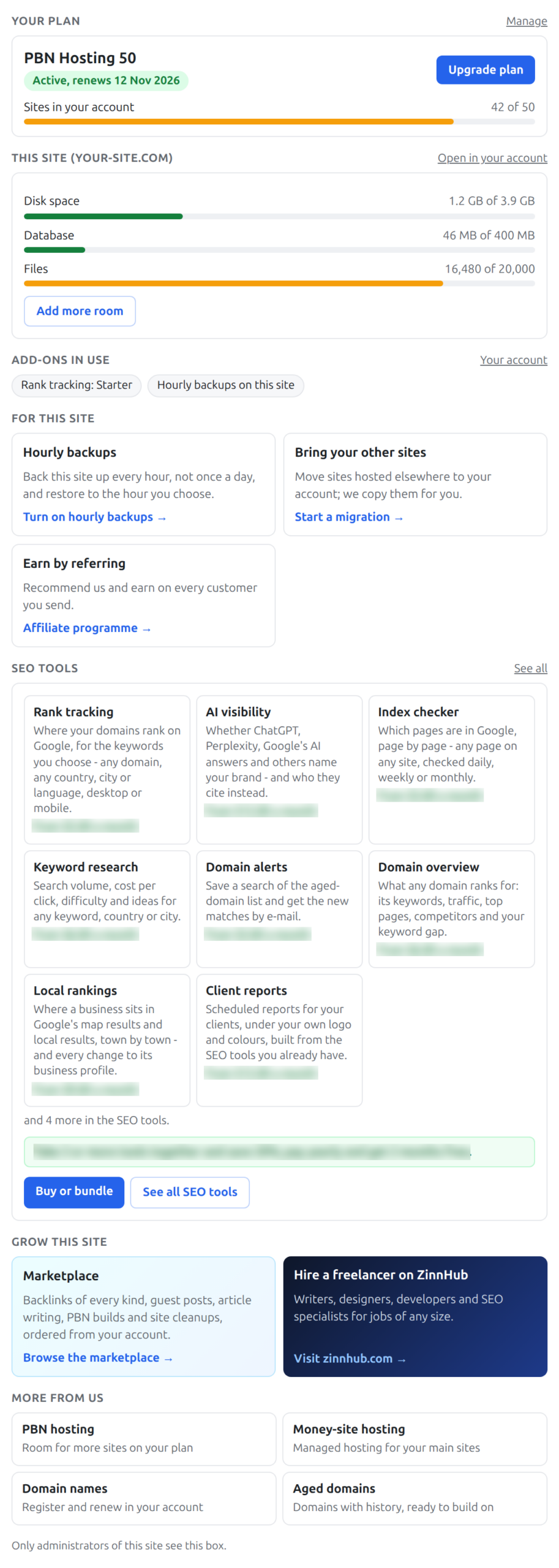
When you log in to the WordPress admin of a site hosted with us, the Dashboard starts with a box called Your hosting account. It saves you a trip to your account: your plan and when it renews, how full this site is, what you have added, and a button to the right page when you want more.
💡 Only administrators see it
Visitors never see this box and nothing is added to your public pages. Editors, authors and other WordPress users do not see it either.
What’s in this guide
What the box shows
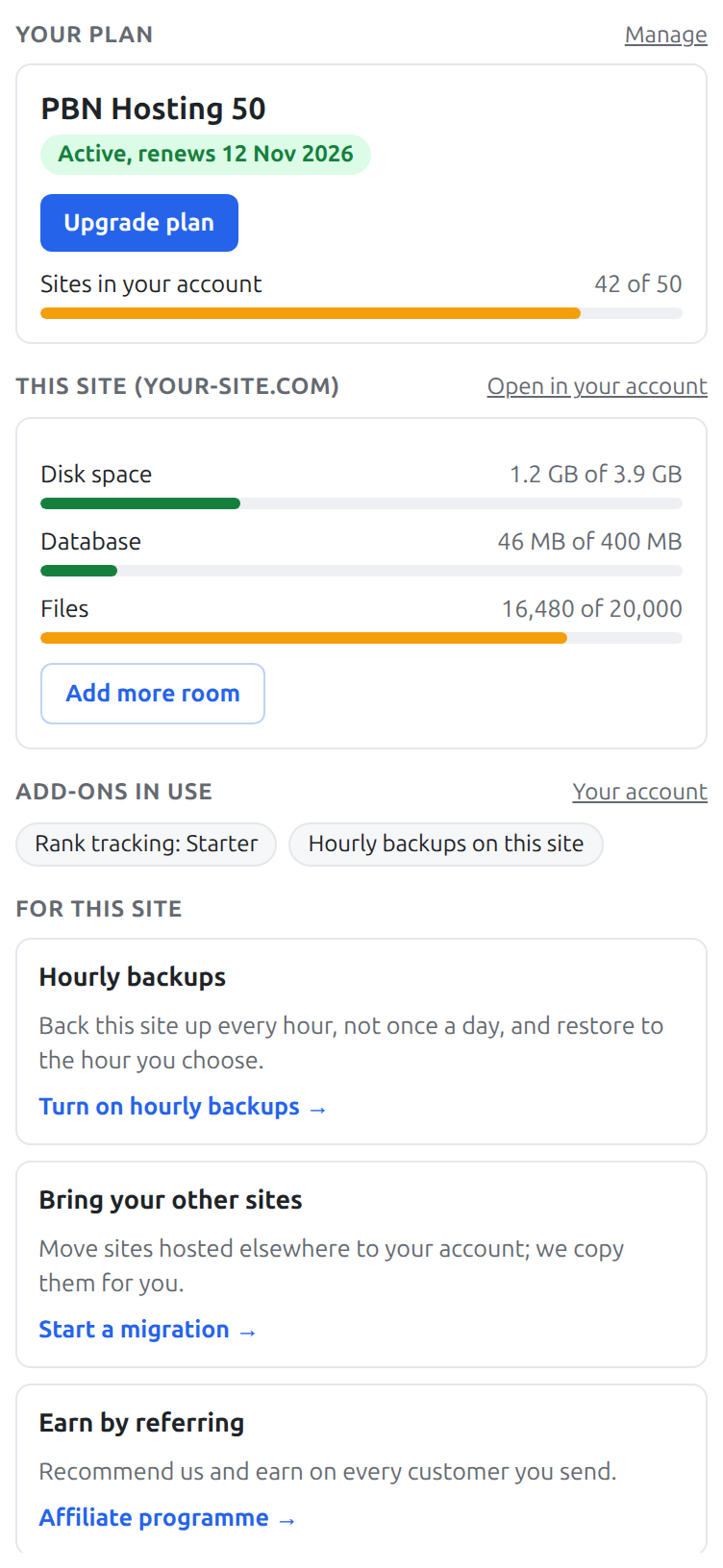
- Your plan and its state: active and when it renews, a free trial and when it ends, paid until a date, or a payment that needs attention.
- Sites in your account against what your plan allows, with a button to add site slots when you are full.
- This site: disk space, database and number of files against its limits (our own platform plugins, such as Tranzly, Page Builder Sandwich, Zinn Footprint, Zinn Cache and Zinn Chat, are not counted).
- Add-ons in use: for example rank tracking, hourly backups, mailboxes or the object cache.
- For this site: suggestions that fit this site only – more room when it is close to a limit, a faster WordPress with an object cache, hourly backups, moving your other sites to your account, and our referral programme.
- SEO tools: the tools you do not have yet, with what each one does, and a saving when you take several together.
- News from us: now and then a short notice or offer.
- Links to the marketplace, to freelancers on ZinnHub, and to our other hosting.
Upgrading and adding from the box
Every button opens the matching page of your account in a new tab – Upgrade plan opens your plan, Add more room opens this site’s page, Buy or bundle opens the SEO tools checkout. If you are not signed in to your account in that browser you are asked to sign in first. Nothing is bought from inside WordPress.
Questions
- Can I hide it? Yes, for your own user: press Screen Options at the top of the Dashboard and untick Your hosting account, or collapse it with its arrow. WordPress remembers that per user.
- Can I delete it? It is part of your hosting and is put back automatically. It does nothing on your public site and nothing for other users, so there is no need to.
- Does it slow my site down? No. It does nothing for visitors, and on the Dashboard it is filled in by your own browser, not by your site.
- The numbers look old. Usage is measured a few times a day; the box refreshes by itself while the Dashboard is open.