
Every money site gets its own 2 CPU cores and 2 GB of memory. If one site needs more – a busy shop, a traffic spike, a heavy plugin – give it a resource boost. There are three levels; a site has one boost at a time and a higher level replaces the lower.
💡 You see the amount first
Whether you add a boost or move up a level, the page shows exactly what you pay today before you pay anything.
Adding a boost when you buy the plan
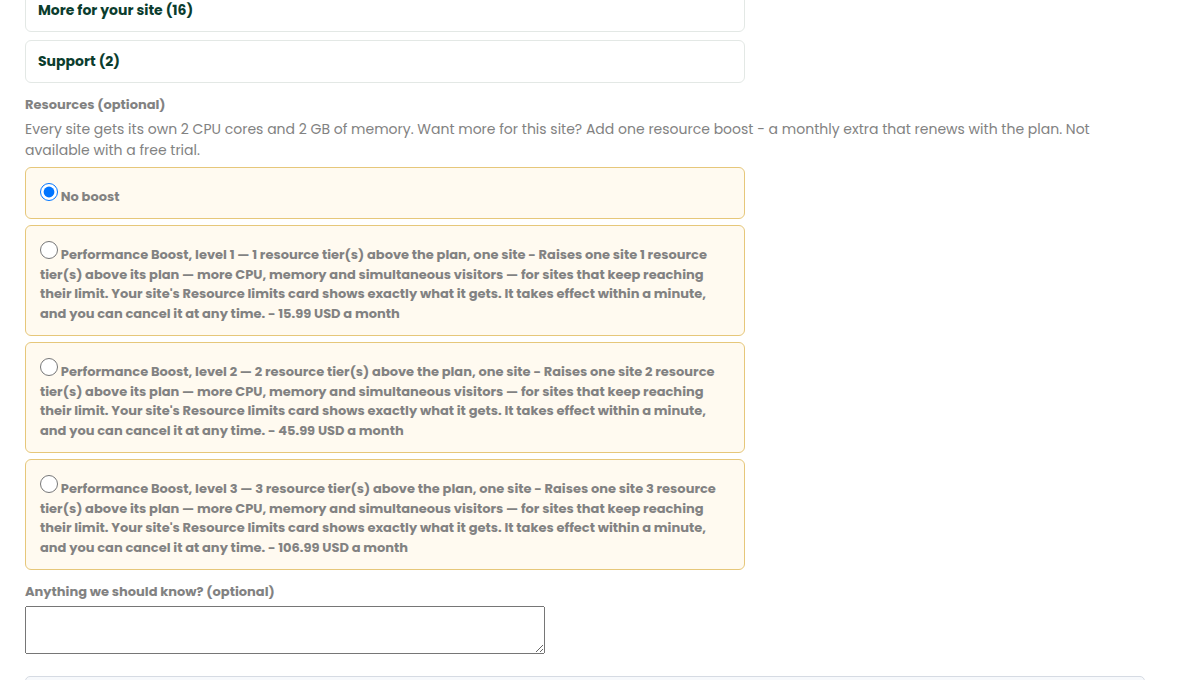
On the plans page, the set-up form has an optional Resources choice. Pick a level, or leave it at No boost. The boost goes on the same order and the same payment, and renews monthly with the plan. Boosts are not part of a free trial.
Adding or upgrading a boost later
- Open Money-site hosting › My money sites and choose the site.
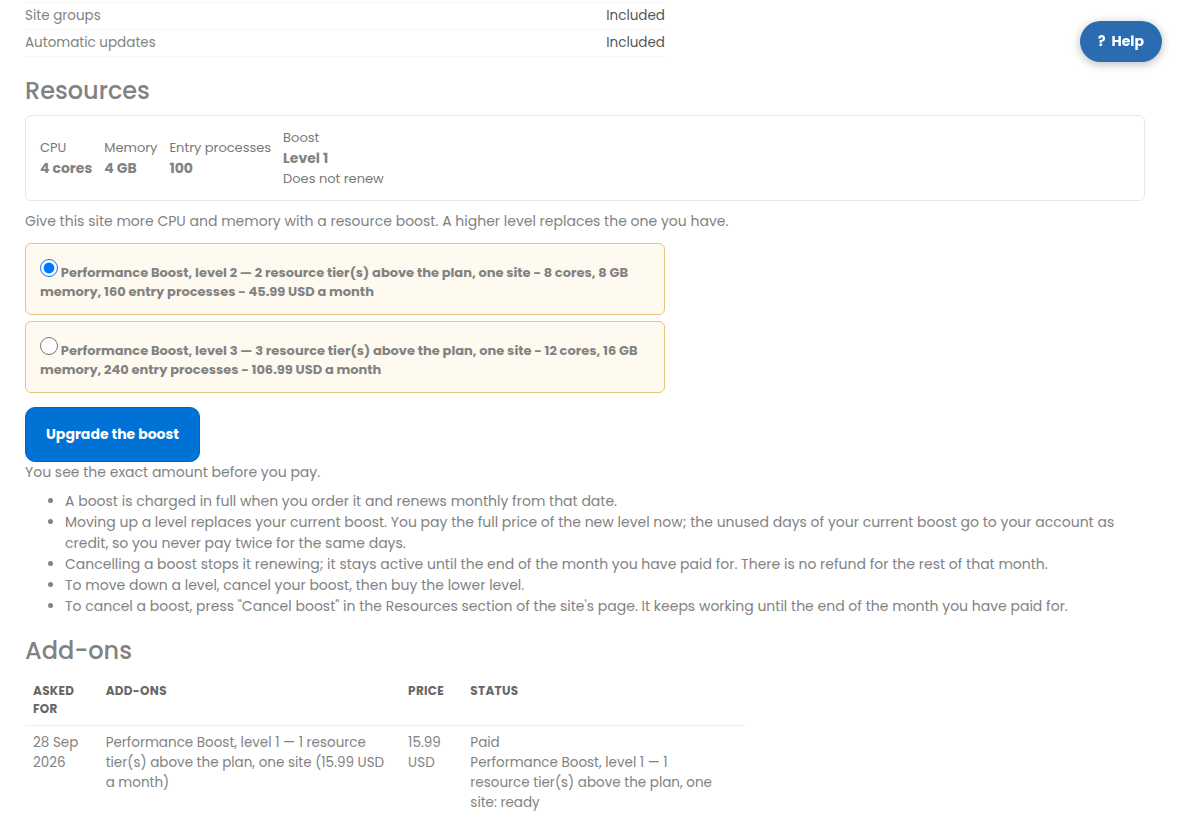
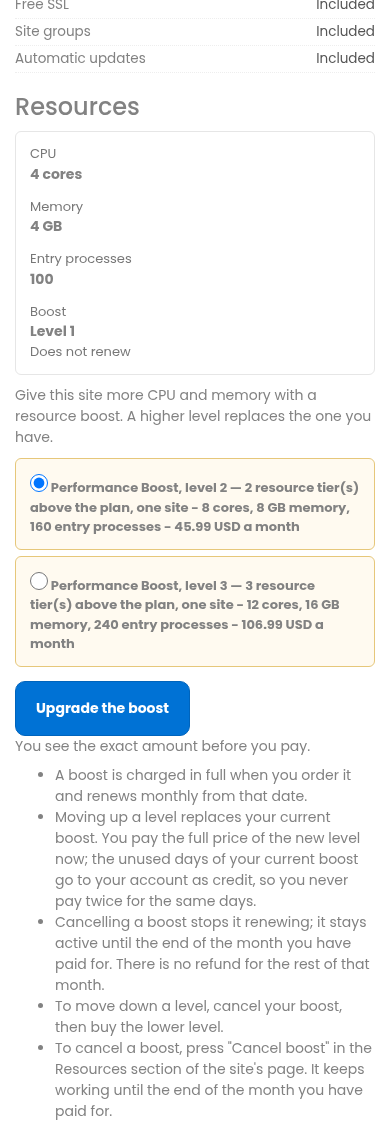
- The Resources section shows the site’s CPU and memory now, its busiest use in the last 24 hours, and the levels you can move to.
- Pick a level and press Boost this site (or Upgrade the boost).
- The page shows the amount you pay today. Press Pay to finish on Zinn Digital LTD’s secure page. The new limits apply within a minute of payment.
How boosts are billed
- A boost is charged in full when you order it and renews monthly from that date.
- Moving up a level replaces your current boost. You pay the full price of the new level now; the unused days of your current boost go to your account as credit, so you never pay twice for the same days.
- Cancelling a boost stops it renewing; it stays active until the end of the month you have paid for. There is no refund for the rest of that month.
- To move down a level, cancel your boost, then buy the lower level.
- To cancel a boost, open Cancel boost in the Resources section of the site’s page, tick the box and confirm. The section also says when the boost renews, or that it does not renew.